
Introduction
In this post, I want to discuss the nuances and common problems of string localization within Swift Packages. And hopefully provide a practical reasonable workflow for using these strings effectively.
How to Use Localized Strings in Packages
Note: This post focuses exclusively on LocalizedStringResource and scenarios where strings are manually created within a String Catalog. My experiments with Playground projects revealed that “inline” localized strings (declared directly in code) often fail to extract automatically into catalogs unless they are used directly within a Text component (which defeats the purpose of maintaining reusable public strings).
Imagine we have a package with two string catalogs:
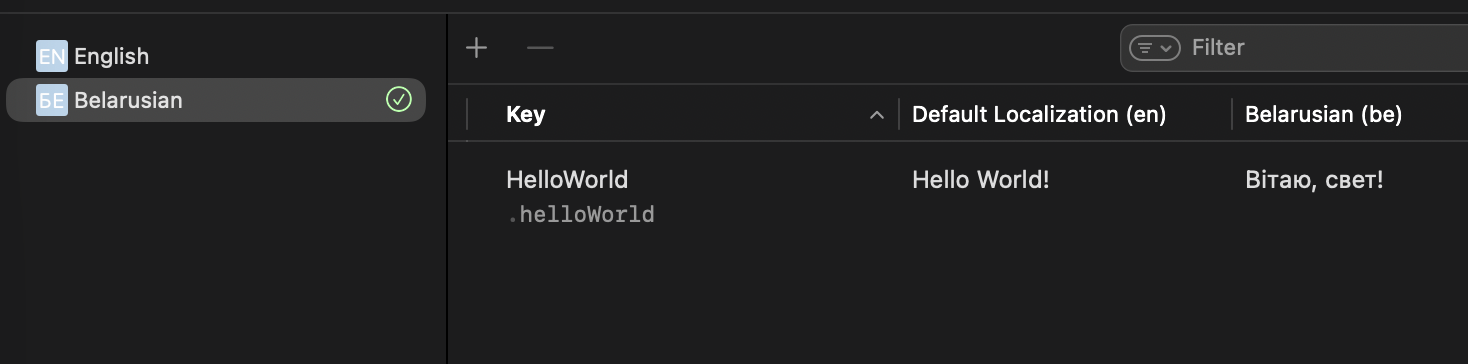
- Localizable.xcstrings (Default): Contains two strings: HelloWorld and HelloWorldUserName (which includes a userName variable).
- SecondCatalog.xcstrings: Contains a separate HelloWorld entry.
Using inside Text Component
You can use automatically generated LocalizedStringResource static properties:
// Default string catalog - Localizable.xcstrings
Text(.helloWorld)

// SecondCatalog.xcstrings
Text(.SecondCatalog.helloWorld)

// With a variable
Text(.helloWorldUserName(userName: "SomeName"))
Alternatively, you can reference the string key/ID directly:
Text("HelloWorld", bundle: .module)

Text("HelloWorld", tableName: "SecondCatalog", bundle: .module)

Text(String(format: String(localized: "HelloWorldUserName", bundle: .module), "SomeName"))
Note: That last line is particularly interesting. Many online examples suggest using string interpolation like Text("\(string_key) \(arg1) \(arg2)"), which simply does not work.
Accessing String Values
To access the localized string value via static properties:
let helloWorld = String(localized: .helloWorld)

let secondCatalogHelloWorld = String(localized: .SecondCatalog.helloWorld)

let helloWorldUserName = String(localized: .helloWorldUserName(userName: "SomeName"))
To access them by key/ID:
let byKeyHelloWorld = String(localized: LocalizedStringResource("HelloWorld", bundle: .module))

let byKeySecondCatalogHelloWorld = String(localized: LocalizedStringResource("HelloWorld", table: "SecondCatalog", bundle: .module))

let byKeyHelloWorldUserName = String(format: String(localized: "HelloWorldUserName", bundle: .module), "SomeName")
The Problems
While the code above works well, it presents limitations when you need to access those strings from the main app or an underlying package:
- Bundle.module is only accessible from within its own module.
- Static LocalizedStringResource properties generated for package strings are internal/protected by default.
- Strings from different packages do not merge automatically; you cannot easily edit or add localizations to an underlying package from the main app.
Simple Solutions
Fortunately, overcoming the overly private nature of package strings is relatively straightforward.
Public Bundles
You can expose the package bundle by creating a public extension:
public extension Bundle {

    static let yourSwiftPackage = Bundle.module

}

// Usage
Text("HelloWorld", bundle: .yourSwiftPackage)
Public LocalizedStringResource References
A cleaner approach is to store public LocalizedStringResource values. This maintains type safety while making the strings accessible:
public extension LocalizedStringResource {

    enum Public {

        public static let helloWorld: LocalizedStringResource = .helloWorld

		public static func helloWorldUserName(userName: String) -> LocalizedStringResource { .helloWorldUserName(userName: userName) }
    }

}

// Usage
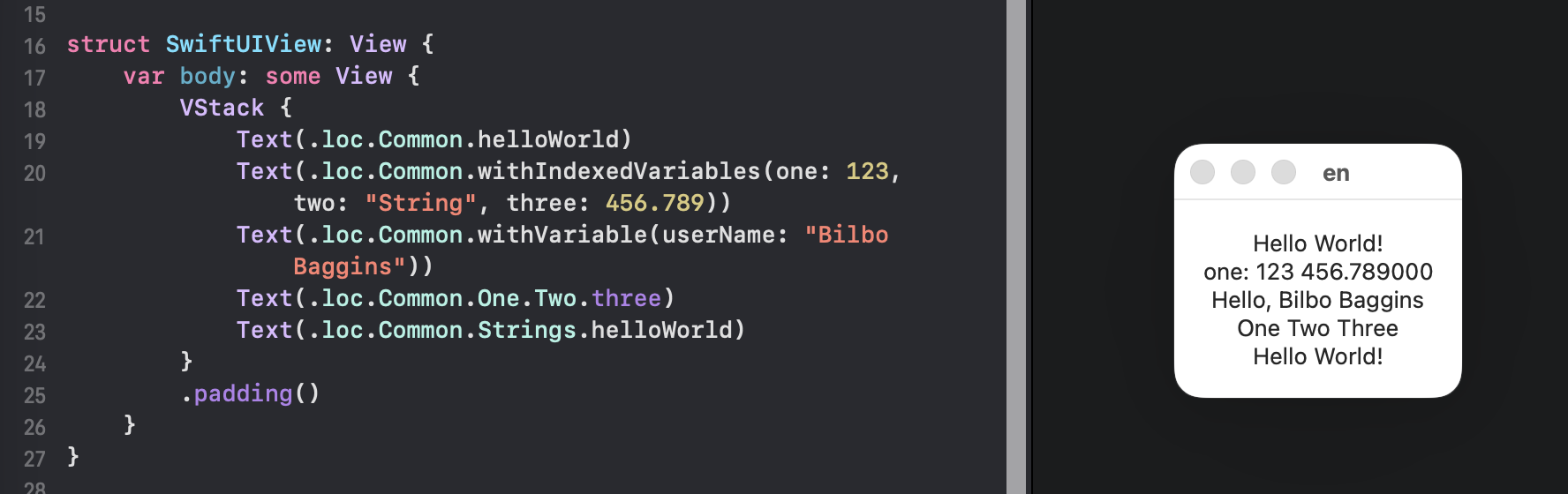
Text(.Public.helloWorld)
Text(.Public.helloWorldUserName(userName: "Some Name"))
Automated Solutions
The manual methods above are perfectly adequate for small to medium projects. However, for larger and more modular applications, code generation is the way to go.
Some community tools include:
https://github.com/danielsaidi/swiftpackagescripts
https://github.com/liamnichols/xcstrings-tool
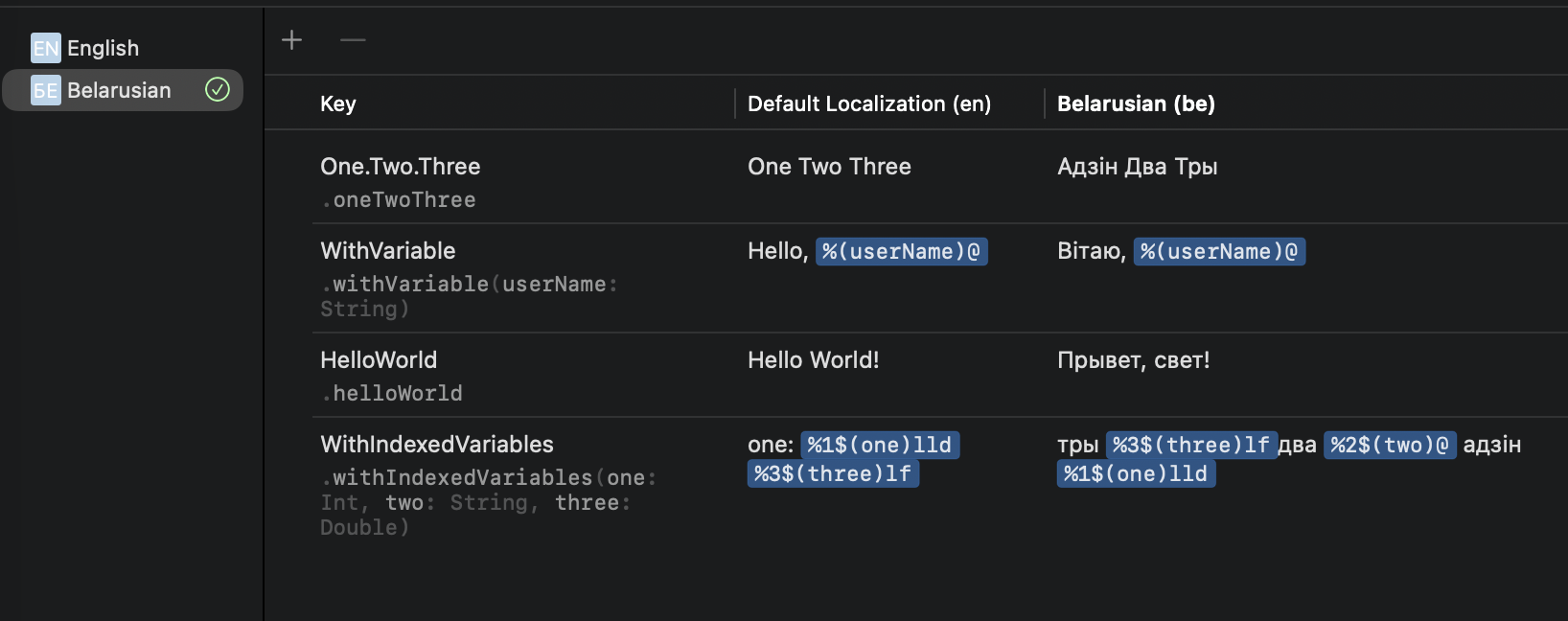
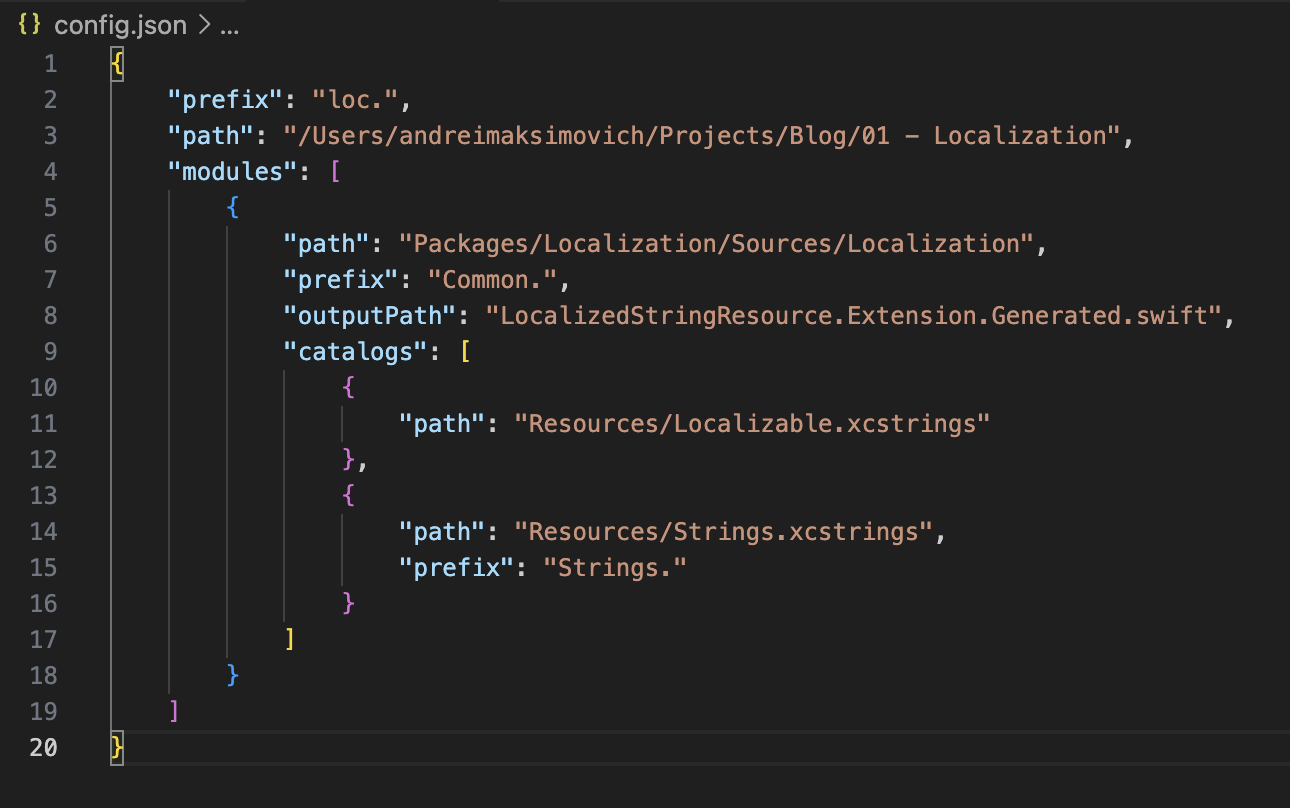
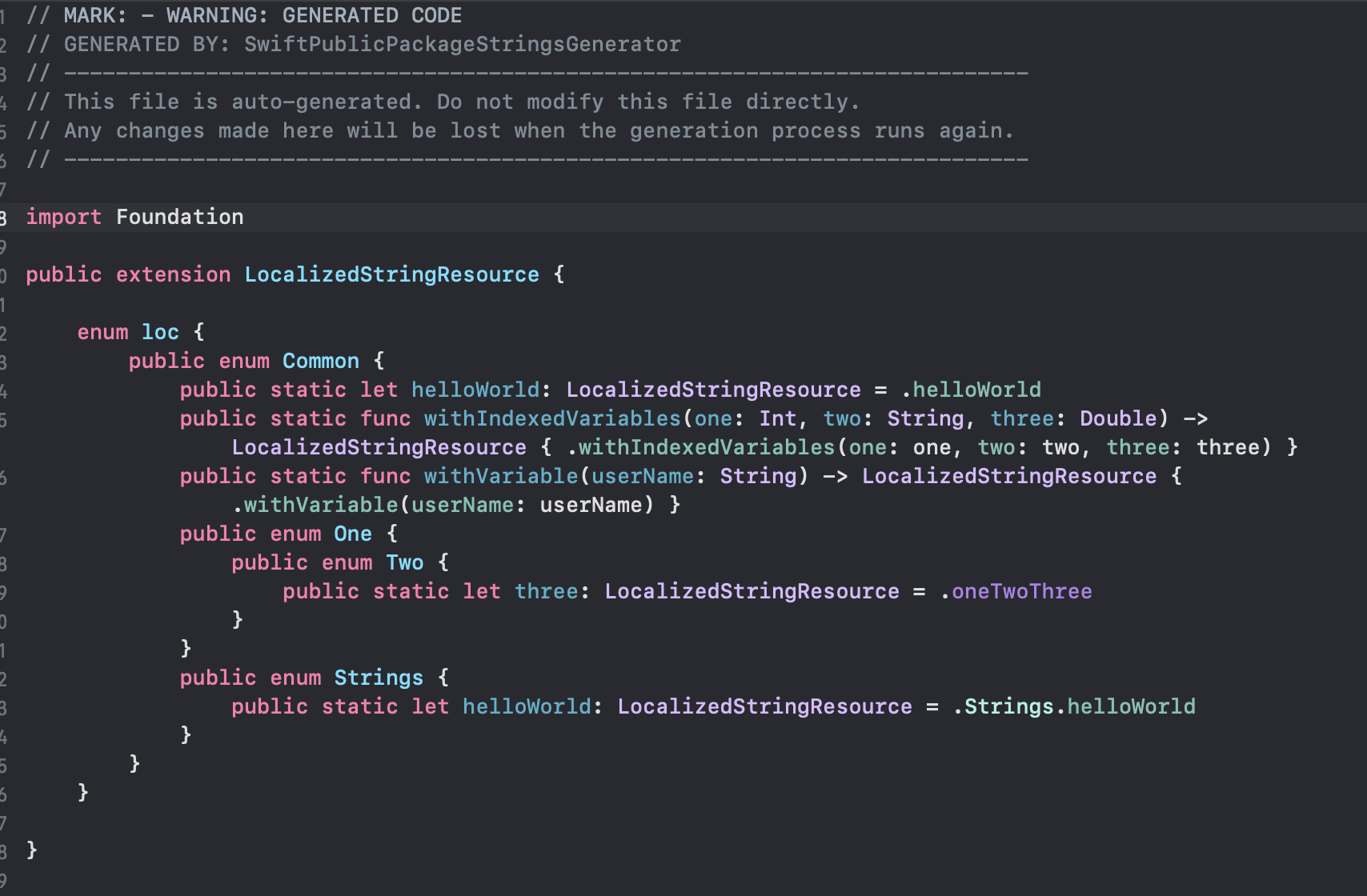
For my specific workflow, I developed a lightweight NodeJS tool: https://github.com/AndreiMaksimovich/SwiftPublicPackageStringsGenerator.
It allows me to:
- Make only specific catalogs public.
- Customize string prefixes for a cleaner, tree-like structure.
- Manage multiple projects via configuration files.
- Integrate easily into CI/CD build pipelines.
- Maintain a standalone code generation process that doesn’t rely on Xcode.
Note: This tool is currently in a technical prototype state. While I’m happy with the current output and configuration, I plan to rebuild it from scratch once I’ve stress-tested the approach across several real-world applications.